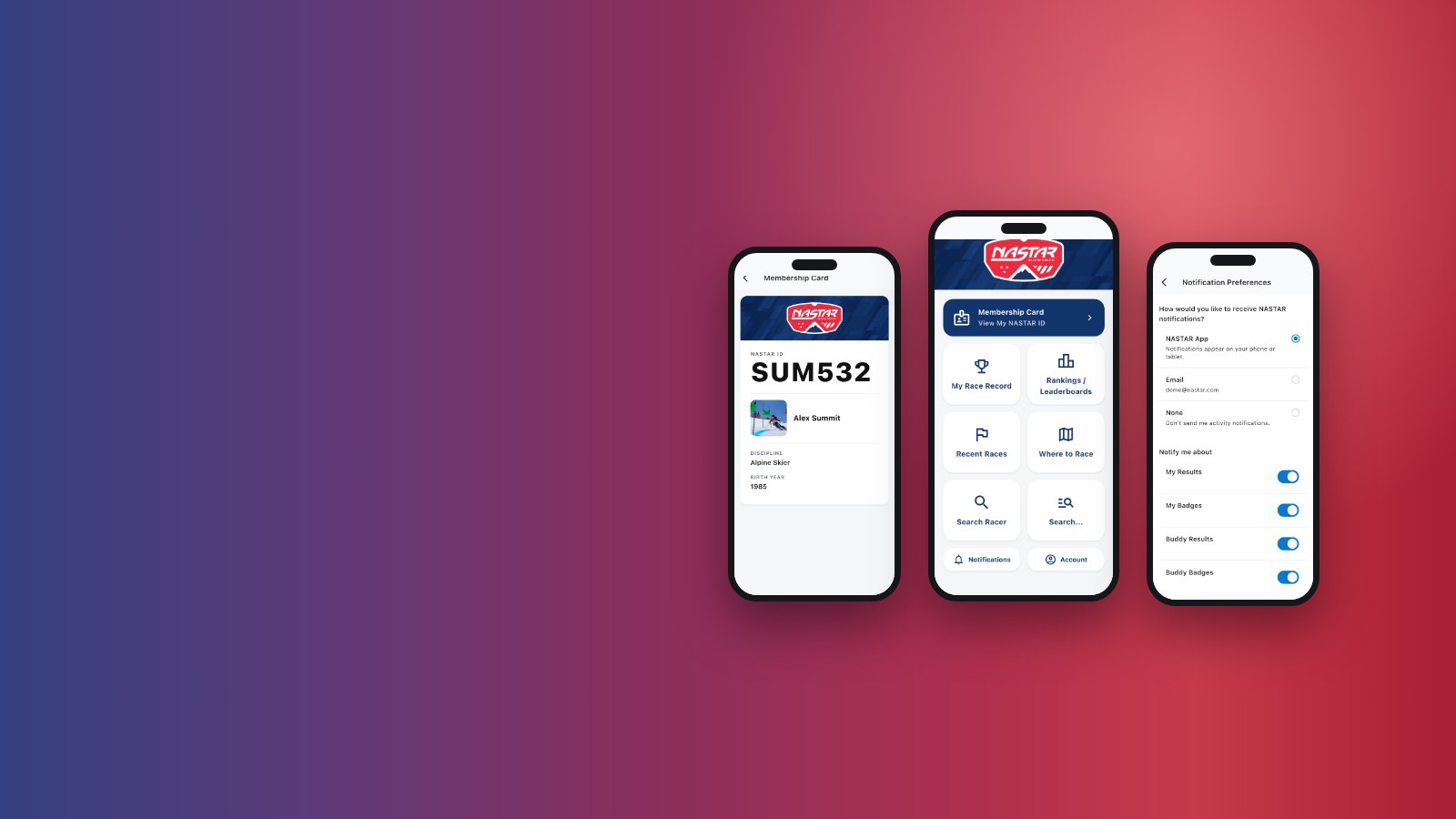
Register for your race. Show your NASTAR ID at the start gate. Get an alert when your results are posted.

Free for iPhone and iPad. The Android app is in review with Google, and we will add the Google Play link here the moment it is live.
Your race day, start to finish
Whether you race every weekend or you are about to take your first run, your whole race day now fits in your pocket.
Swipe to see all five screens.
-
Register before you race
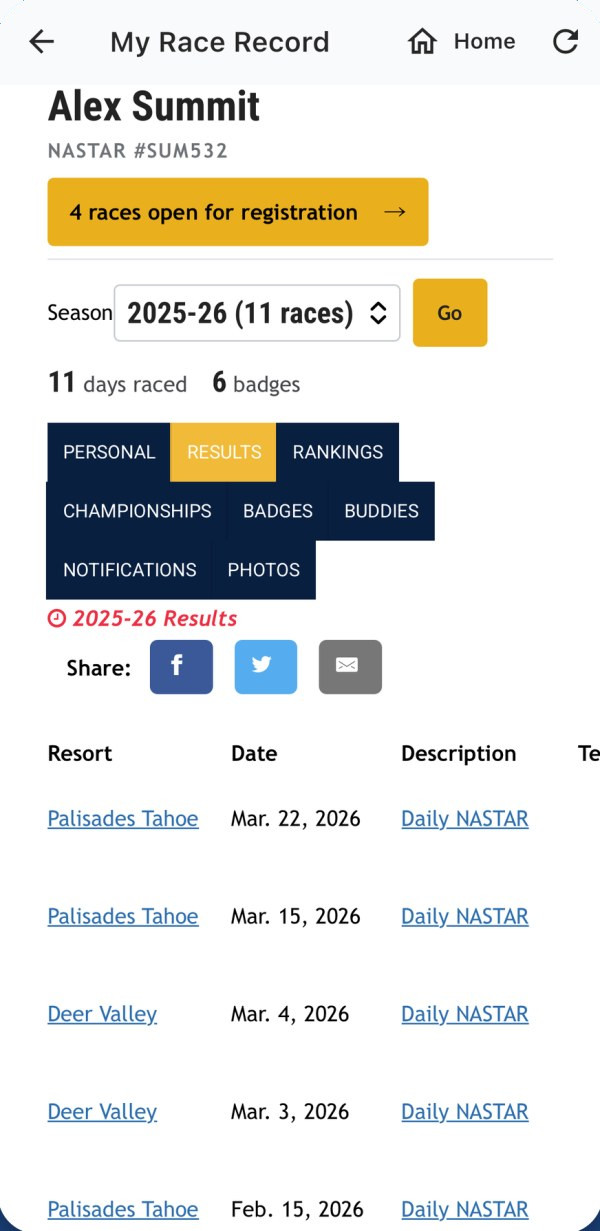
When a race offers online registration through NASTAR, the app shows which races are open, right on your race record. Register before you get to the hill, or just before you race.
We’re working with more hills to offer it. Until yours does, sign up at the hill the way you always have.
-
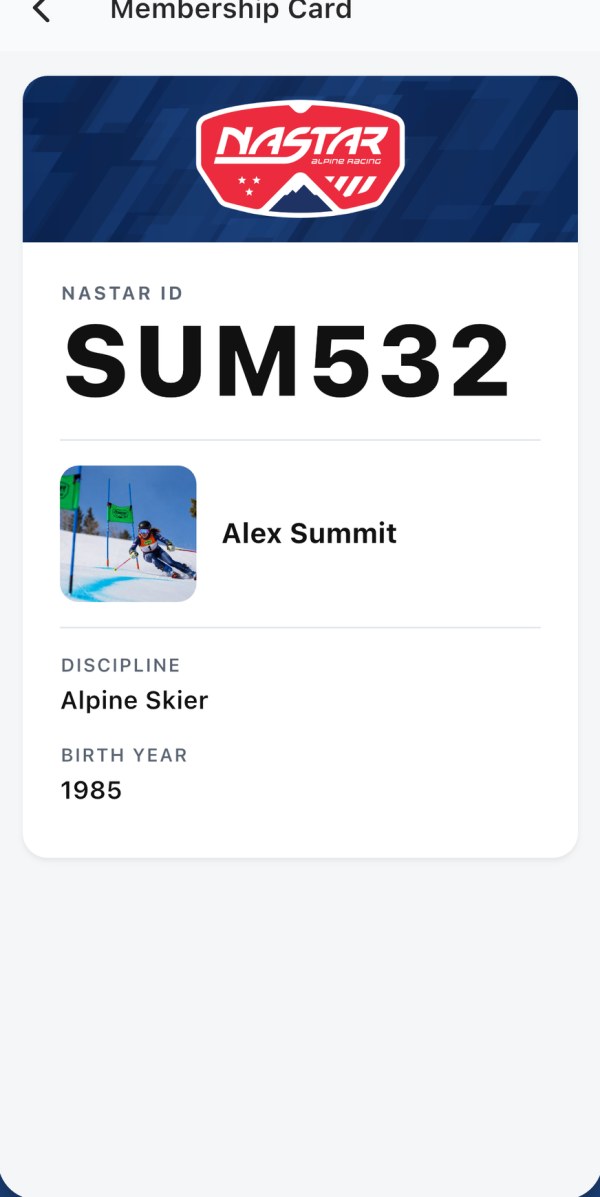
Show your ID at the start gate
No more digging through old emails or trying to remember your NASTAR ID in the lift line. Your Membership Card shows it in big, easy-to-read type, ready for the race crew.
It works even with no signal, which on a lot of race hills is exactly when you need it.
-
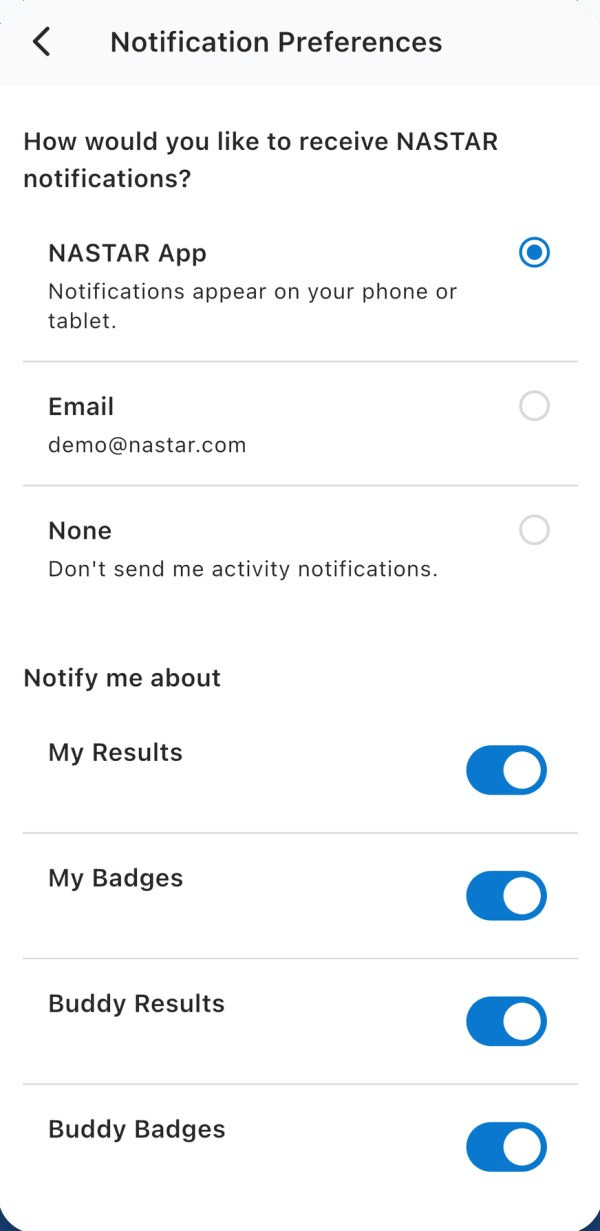
Get the alert
Choose NASTAR App in Notifications, and the app lets you know when your results are posted and when you earn a badge.
Add your kids, family and friends as Buddies to hear about their results and badges too.
-
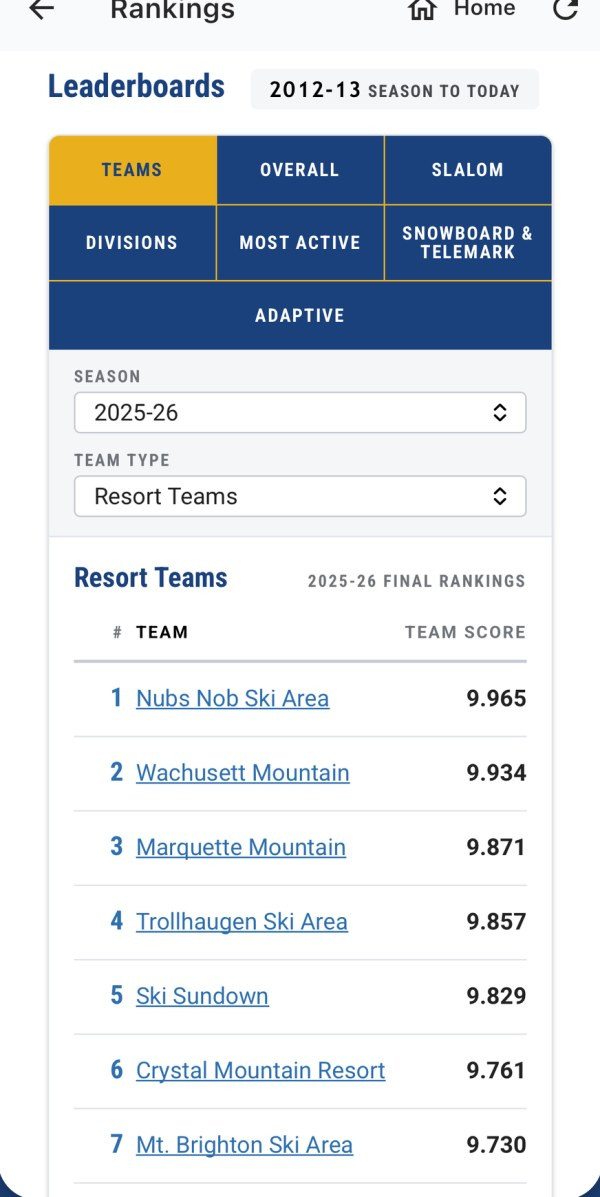
Check your results and rankings
Your race record goes with you: results from every season you have raced, plus your rankings, badges and buddies. When your results are posted, see how your last run stacked up.
The leaderboards are there too, from the national rankings to slalom, age groups and teams, along with Recent Races from hills across the country.
-
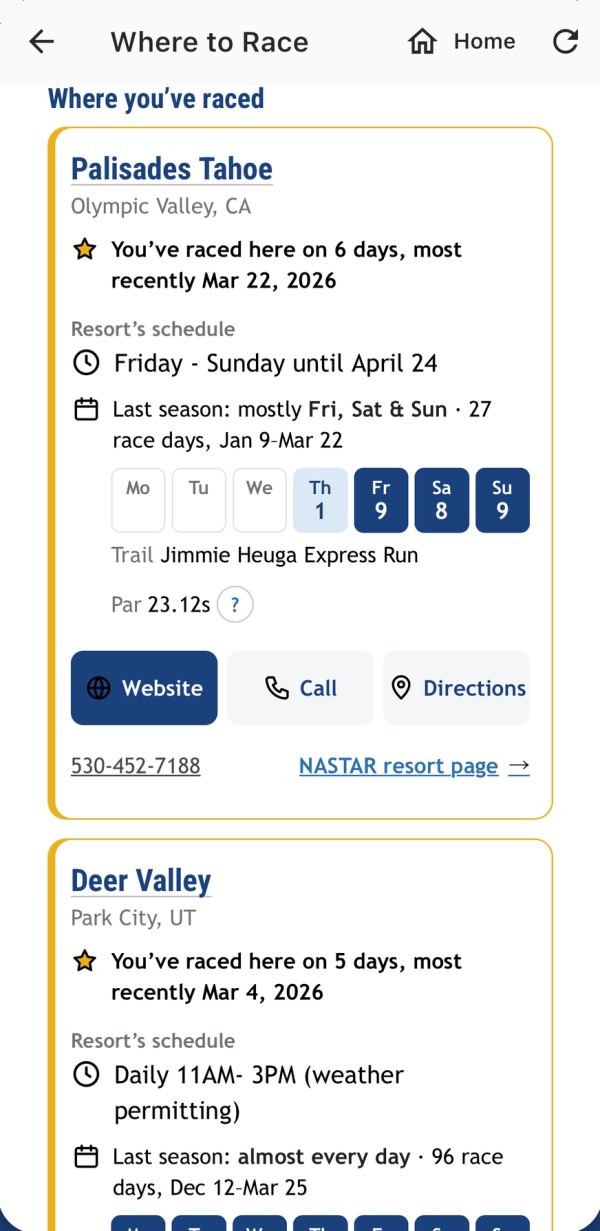
Find your next race
Where to Race starts with the hills you already know. It shows how often you have raced there, the resort’s racing schedule, which days it usually runs, and the par time on the course.
The resort’s website, phone number and directions are right there. Pick a day and bring someone along.
Turn on your results alerts
Set it up once, and the app lets you know when your results are posted.
- Log in with your NASTAR.com login. Your race record comes with you.
- Open Notifications and choose NASTAR App. Turn on My Results and My Badges. When your phone asks whether to allow notifications from NASTAR, say yes, or the alerts can’t reach you.
- Add your kids, family and friends as Buddies. Turn on Buddy Results and Buddy Badges to hear about their racing too.
Need a login? If you have raced before, look yourself up and use the This is me link on your record. New to NASTAR? Get your free NASTAR ID. Every racer has their own, including each of your kids.
Text message alerts have ended
NASTAR no longer sends alerts by text message. If you used to get your results by text, we have already switched your alerts to email, using the email address on your NASTAR record. If your record had no email address, your alerts are paused until you add one or turn on app notifications.
You now have two choices: the NASTAR App or email. The app is now the best way to hear from NASTAR. Choose in the app’s Notifications settings, or on the Notifications tab of your race record on NASTAR.com.
Get the NASTAR app
Download it, turn on your alerts, and we’ll see you at the start gate.
Free for iPhone and iPad. Coming soon to Google Play.
We built the NASTAR app to make race day easier, and we’re just getting started. Take it to the hill, then tell us what would make your race day easier still.